There are a number of ways to combine or merge multiple PDF files into one single file or to split such a file.
How to merge PDF files
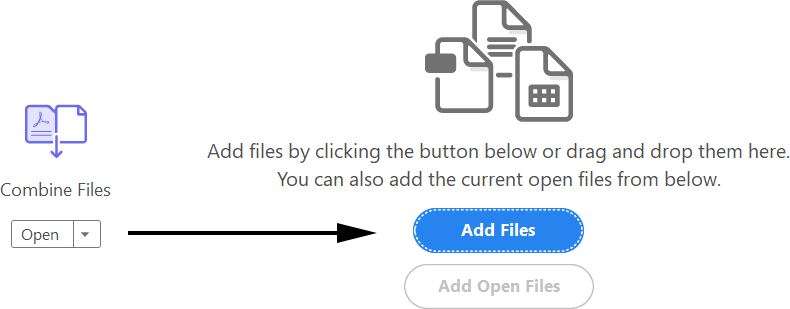
- Adobe Acrobat Pro DC has a ‘Combine Files’ function in its list of Tools. It is easy to use and powerful, allowing you to change the order of pages or use only part of the pages of a file.
- Acrobat Pro versions 8 and later had a dedicated ‘Combine files’ menu option in the ‘File’ menu. If you are using an even older version of Acrobat there are two other ways to merge files:
- Using the ‘Insert pages’ menu option is only practical if you want to merge just a couple of files
- If you need to merge a large number of files which use consecutive file names simply open the first file, make sure the ‘Pages’ navigation pane is visible, and use drag&drop to copy all other files to this area. Never forget to perform a ‘SAVE AS’ in Acrobat after combining files. This makes sure that the new file gets cleaned properly.
- If you have a prepress workflow system, it can be used to merge files. In Agfa Apogee, for example, you can simply create a job that contains the total number of pages, add all PDF files and then use the Export Task Processor to save the combined file to disk.
- If a full-blown workflow is slightly above budget but you need to merge loads of PDF files on a regular base, google around as there are a number of tools on the market to split and merge files.
How to split PDF files
- Acrobat 9 Pro has a ‘Split file’ option which works fine but doesn’t offer much control over the naming convention of the split files.
- I often use my prepress workflow to split files.
- There are loads of tools on the market to split PDF files. In a prepress environment, tools like callas pdfToolbox that go beyond simple splitting and merging are worth taking a look at.
Other sources of information
There is an interesting discussion on the B4print forums on merging preseparated PDF files. I also started a generic thread on merging and splitting files.
If anybody wants to merge or split the PDF files, then what could be better than SysInfoTools PDF Split and Merge v2.0 which is provided by SysInfoTools. Few months ago, I decided to buy this tool from its website and from that point it has been doing its work absolutely good.It enables user to merge any number of PDF file into single PDF file and at the same time it also allow user to split the single PDF file into numbers of PDF files.
http://www.sysinfotools.com/recovery/pdf-merge-split.html
Is there any way when files are scanned into a .pdf format (sometimes 40 pages) to have 4 pages on 1 page for simplicity of sending file?
On Adobe Acrobat 9 go to the “Combine Files” Button under the “Documents” menu.
Then Choose the option “Merge Files into single PDF” These are the same steps to follow when trying to merge.
Choose your PDF document you wish to split.
Then click on the Lower left hand button entitled
“Choose Pages” Browse a preview of your document by clicking the left and right arrow. Be sure to note which page number(s) you wish split up and then hit OK. The program will then prompt you to rename you newly split file(s).
Hope this was helpful.